
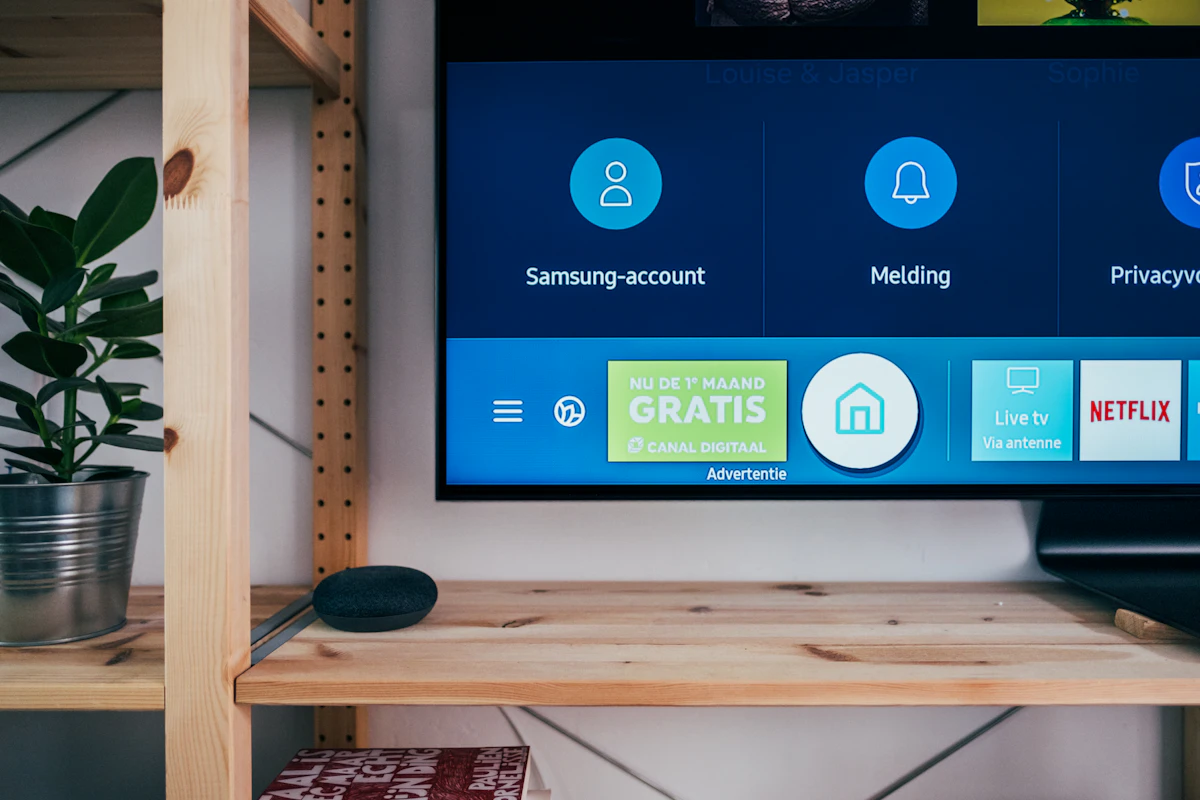
Setting up a premium IPTV subscription on an Amazon Fire TV Stick is one of the easiest ways to replace overpriced traditional cable TV. In this 2026 updated tutorial, our senior technicians walk you through every step in under 4 minutes.
Why Amazon Firestick is the #1 Streaming Device
The Amazon Firestick 4K and Firestick 4K Max feature hardware-accelerated HEVC (H.265) video decoders. When paired with LIVETVMARKET Anti-Freeze™ 9.9 cluster streams, you get native 60 frames-per-second playback without buffering or frame skipping, even during peak live soccer and UFC matches.
Step 1: Install the Free "Downloader" App
Since dedicated IPTV applications are streaming media players, you will download them safely using Amazon’s verified Downloader utility:
- From the Firestick home screen, click Find and select Search.
- Type Downloader and select the orange Downloader app icon.
- Click Download / Get and wait for the automated installation to complete.
Step 2: Enable Installation from Unknown Apps
To allow Downloader to install your preferred IPTV app:
- Navigate to Settings (Gear Icon) on the far right of your Firestick menu.
- Select My Fire TV > Developer Options.
- Click Install Unknown Apps and toggle Downloader to ON.
Step 3: Enter the Pre-Configured App Numeric Code
Launch Downloader and click into the URL bar. Simply enter our official numeric quick code:
Step 4: Login with Xtream Codes API
Open the newly installed app and choose Login with Xtream Codes API (recommended over M3U because it downloads the full interactive TV guide and VOD poster metadata). Input the Server URL, Username, and Password received in your instant activation email.
Troubleshooting & Optimization Tips
If you ever experience frame stuttering, go to App Settings > Stream Format and switch from MPEG-TS to HLS. This tells the video player to buffer adaptive chunks, ensuring ultra-smooth playback even on fluctuating home WiFi connections.


Someone from Sydney, Australia just ordered 6 Months Full Access
Just now • Verified Purchase